FEFO & protocol picking
Prefer the oldest suitable lot. Protocol pick sessions still exist but are not on the main menu.
Need reagent
    └── preferred lot available?
            ├── yes ──► confirm / scan ──► override barcode (if needed) ──► complete session
            └── no  ──► exception (stock / validation / lab)
                        └── fix: transfer / procure / validate ──► retry
FEFO at the bench
- Prefer open suitable stock, then the oldest unopened lot (validation and storage OK).
- Opening a newer lot while another open vial of the same reagent still exists → enter FEFO override justification on Open Item. The form also asks you to confirm storage, booking-in project, and attribution — those values seed the usage trail.
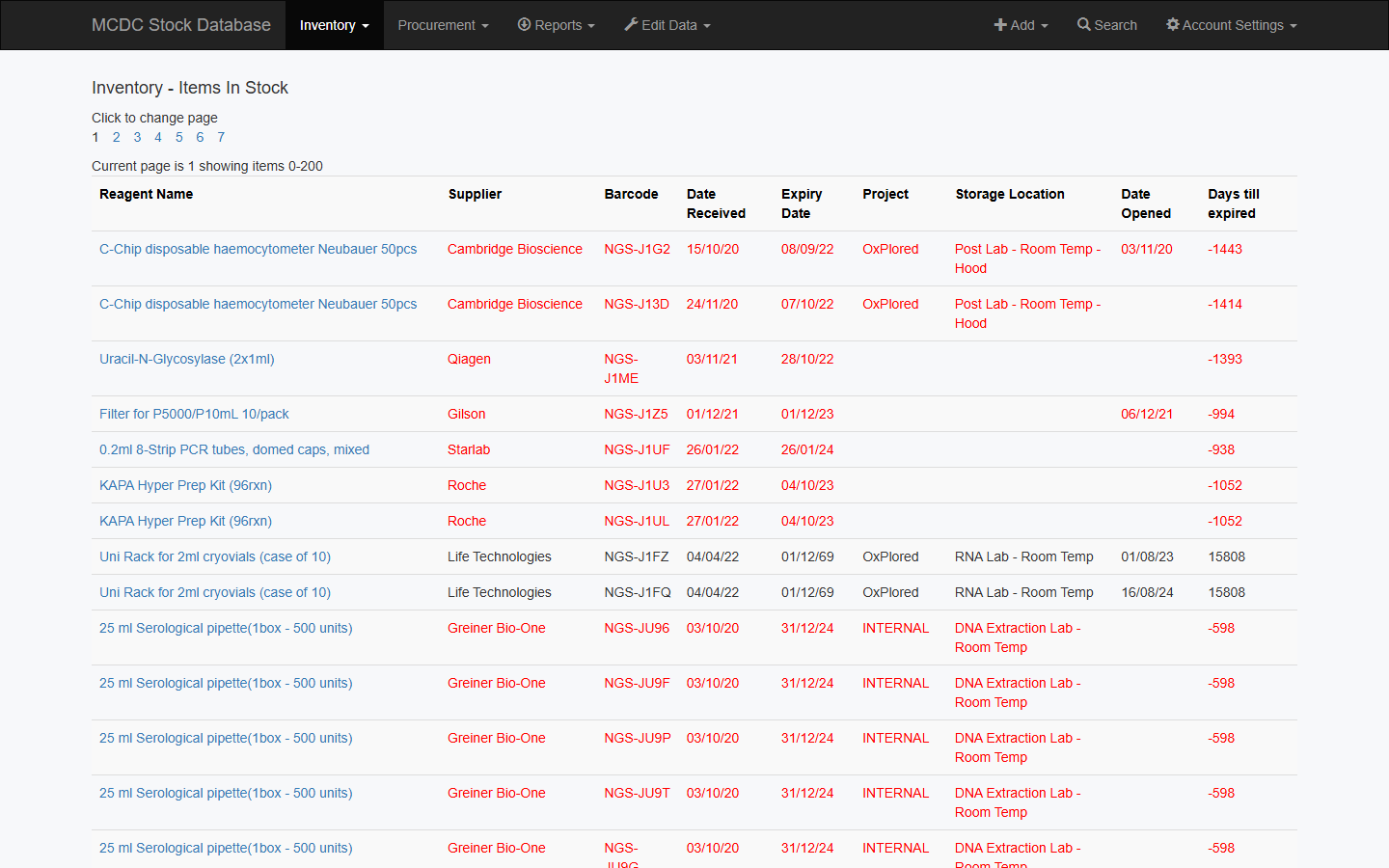
- Use Inventory → In Stock or Search, sorted by expiry / received date, to pick the oldest lot before you open.
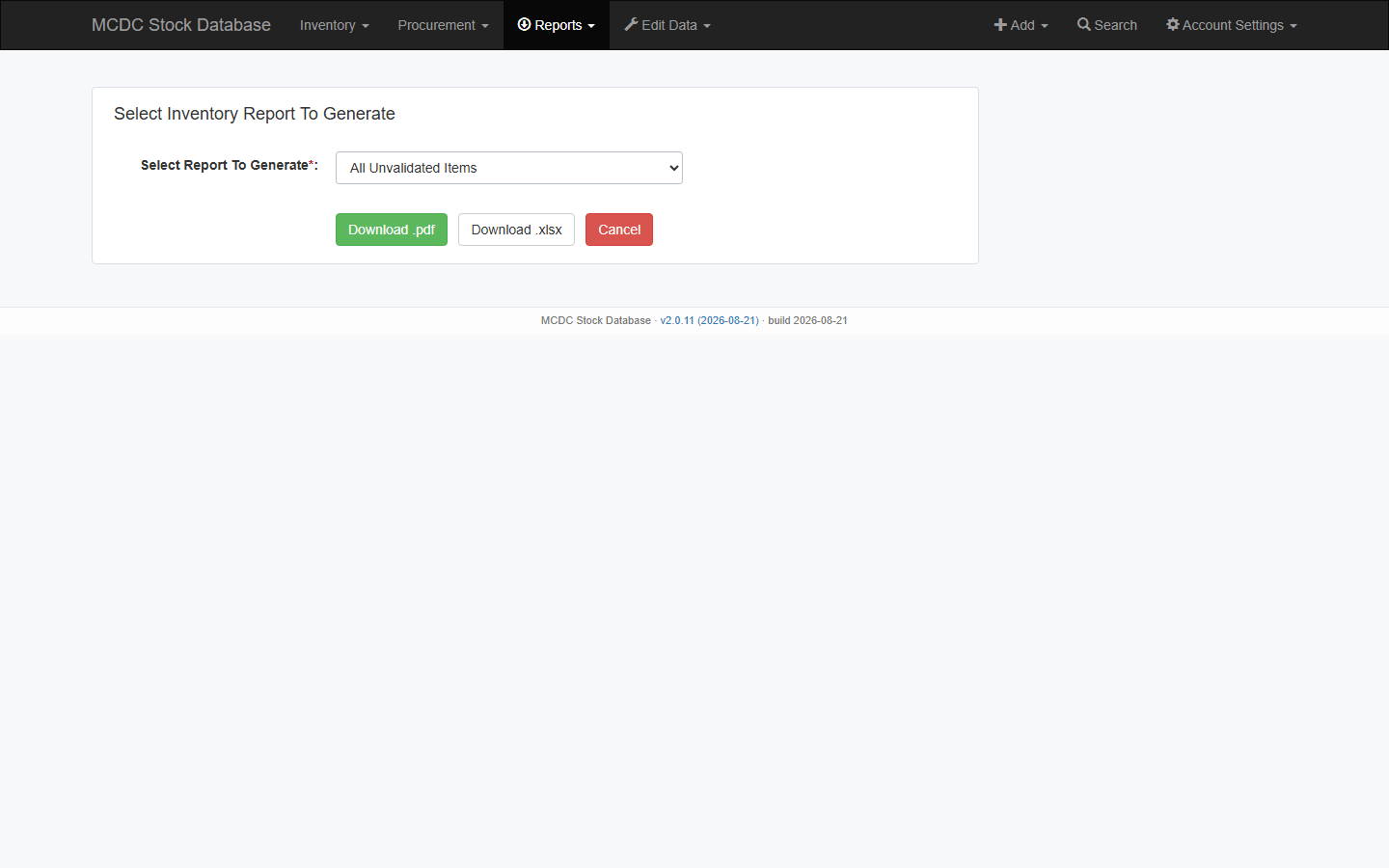
Reports → Inventory includes FEFO override exceptions (audit) for a PDF/XLSX of recorded overrides.
Protocol pick session
Not shown on the main menu. When enabled:
- Open
/stock/picking/→ New → protocol → open session. - Each line: preferred stock, storage, status.
- Retrieve → scan/confirm → Complete session.
- Override barcode only when the preferred lot cannot be used.
- After work: Use Item / finish empties; return remaining to the correct storage.
Barcode scan at
/stock/scan/ is also off-menu. Day-to-day lookup is Search (one barcode) or Reports → Barcode lookup (many).
Exceptions
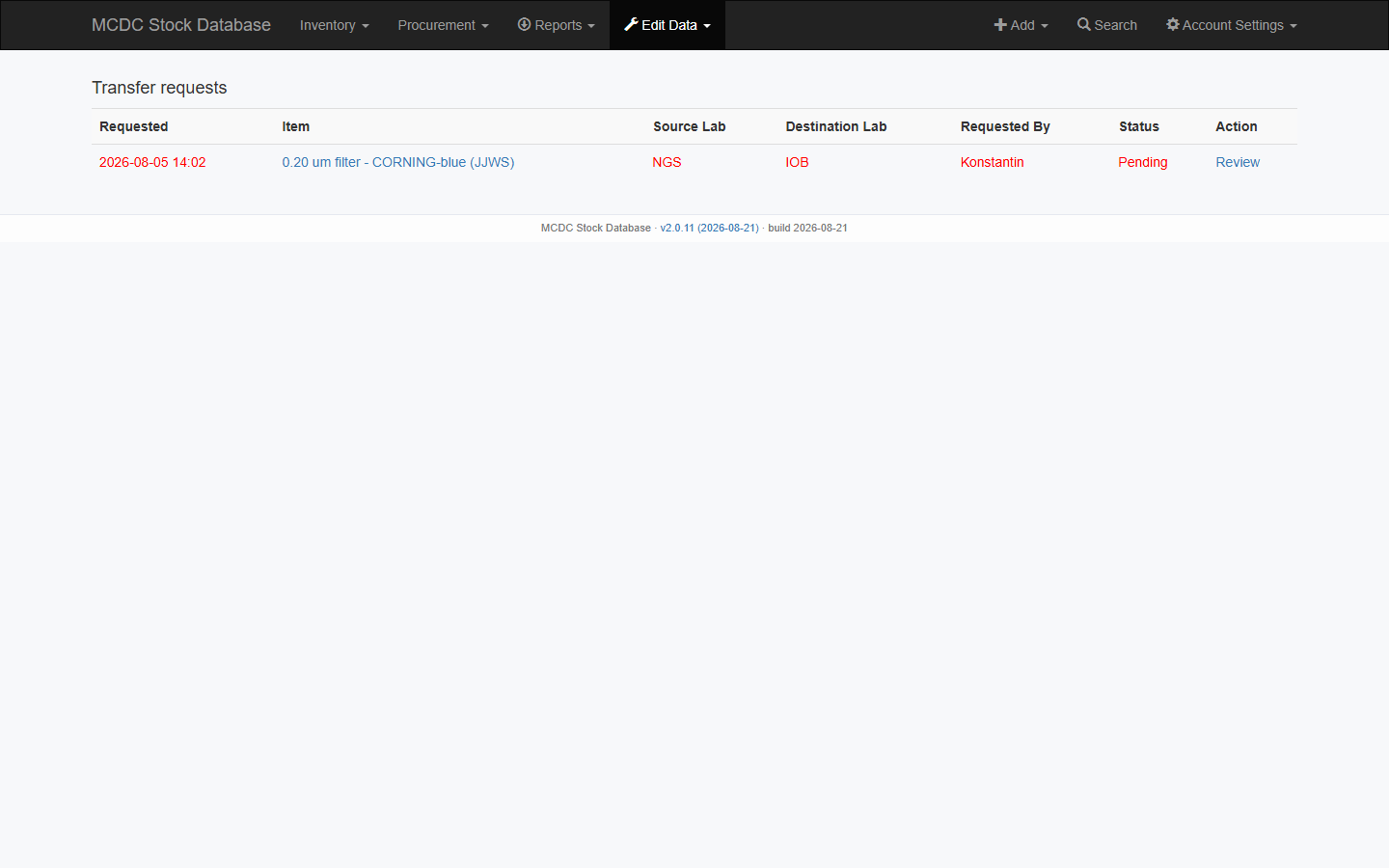
No preferred stock → check availability, validation, expiry, and lab scope.
- Other lab → Inventory → Transfer Requests or switch lab. See Access & labs.
- None in any lab → Procurement tracker (Refresh low-stock / expired-stock rows).
- Pending validation → Not validated list, then Validate Item.