Admin & master data
Reagents, dictionaries, recipes, users, and system mode. Lab users do not see Edit Data or Add (they get New Inventory Item only).
Reagents / suppliers / storage / projects ──► book-in & item actions

Users + groups + lab memberships ──► active lab / stock view scope

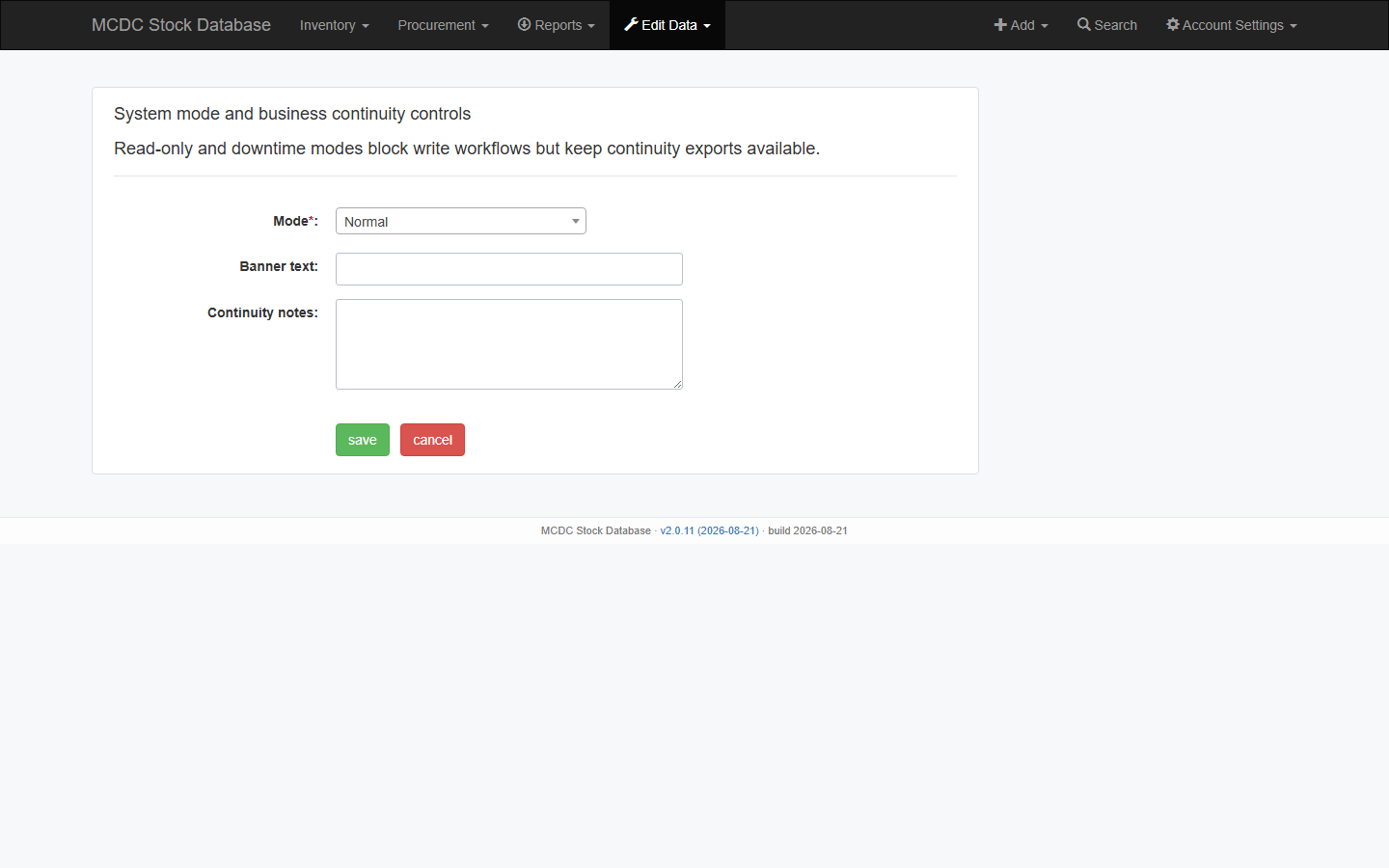
System mode (normal / degraded / read_only / downtime) ──► write guard + banner
Reagents
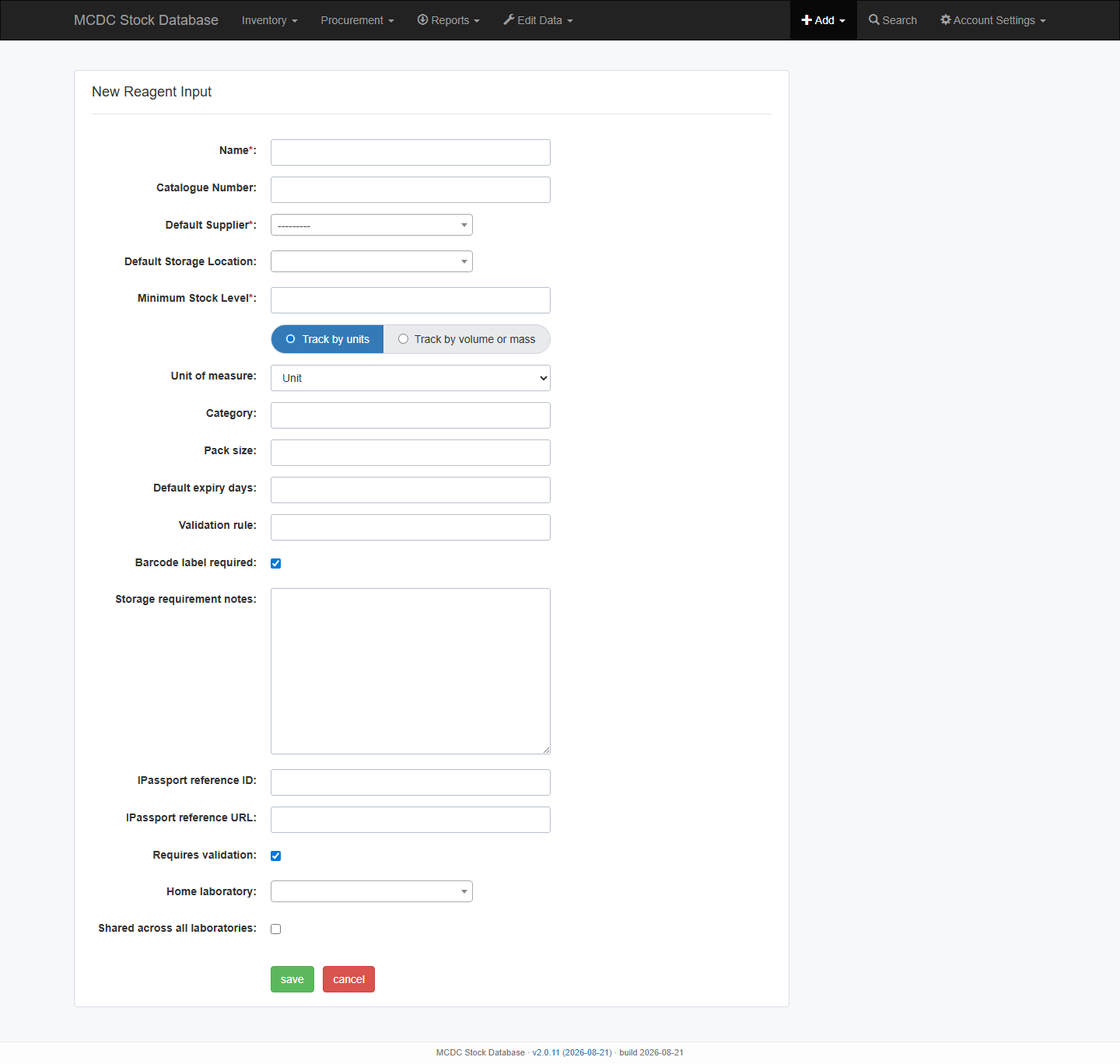
- Add → Reagent — name, catalogue #, defaults, min stock, track by units vs volume/mass, UOM, validation, iPassport, home lab / shared across laboratories.
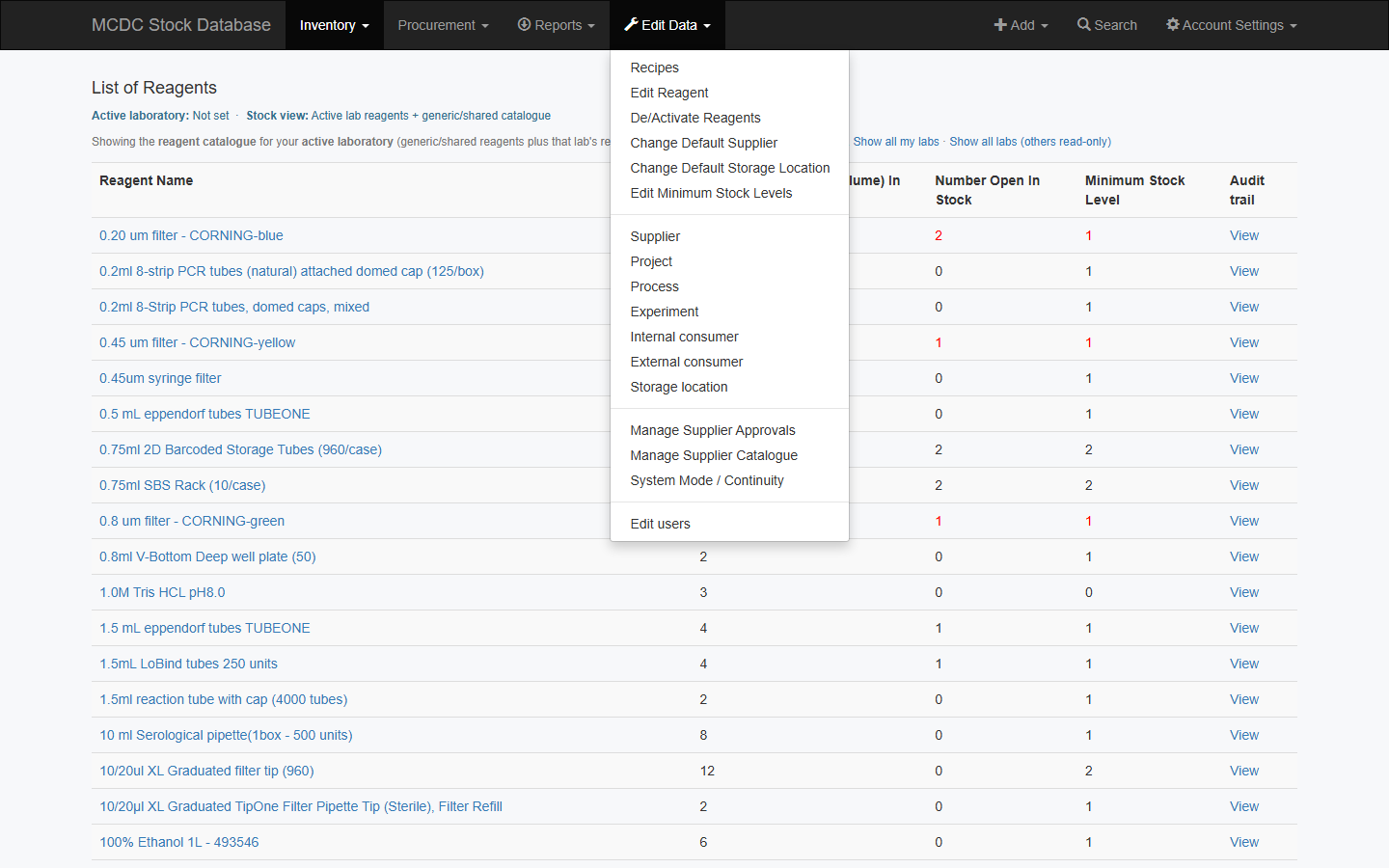
- Edit Data → Edit Reagent — do not hand-edit stock counters.
- De/Activate Reagents stays on this menu (separate from the dictionary pages).
- Change default supplier / storage / minimum via the dedicated Edit Data tools.
Dictionaries
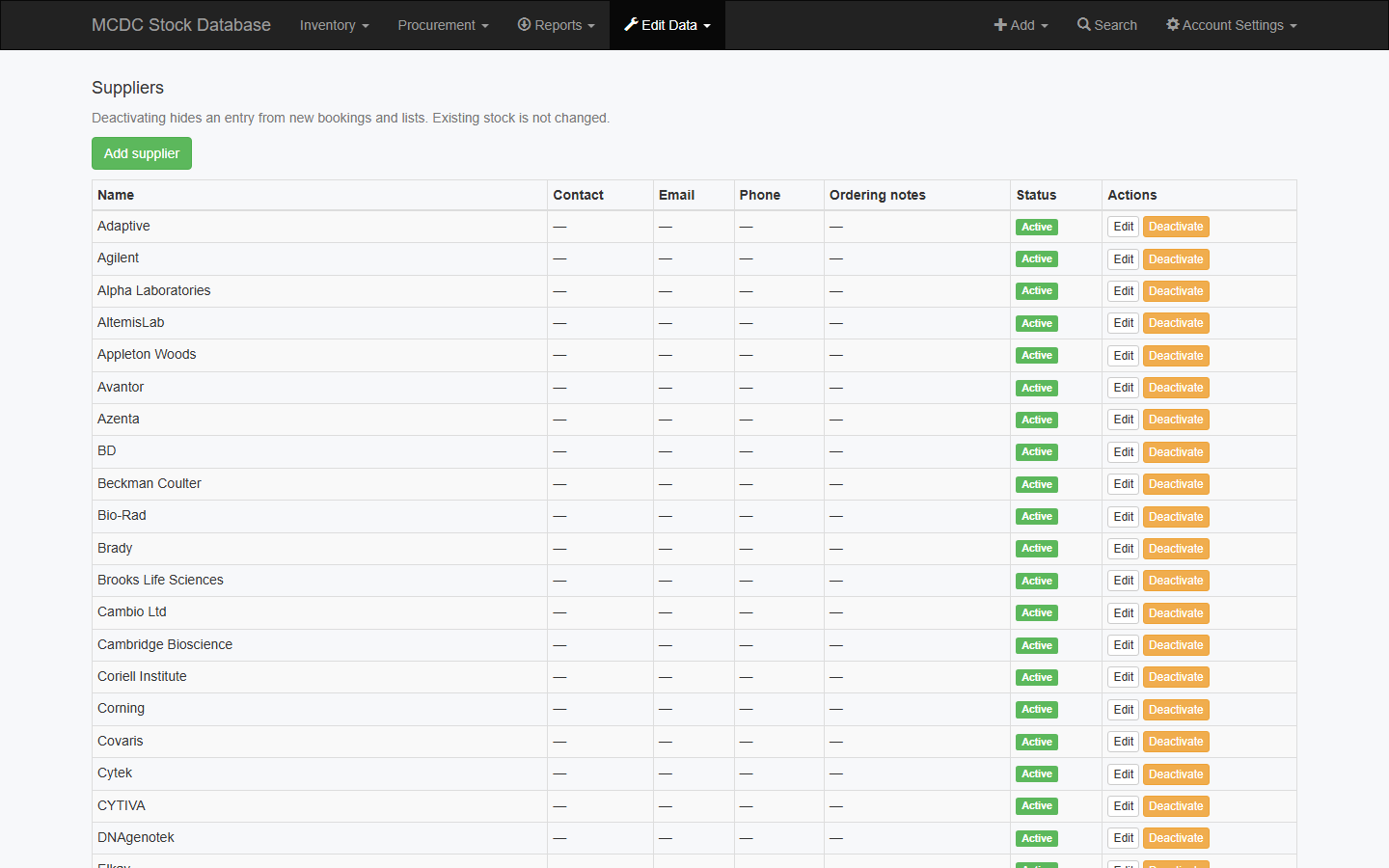
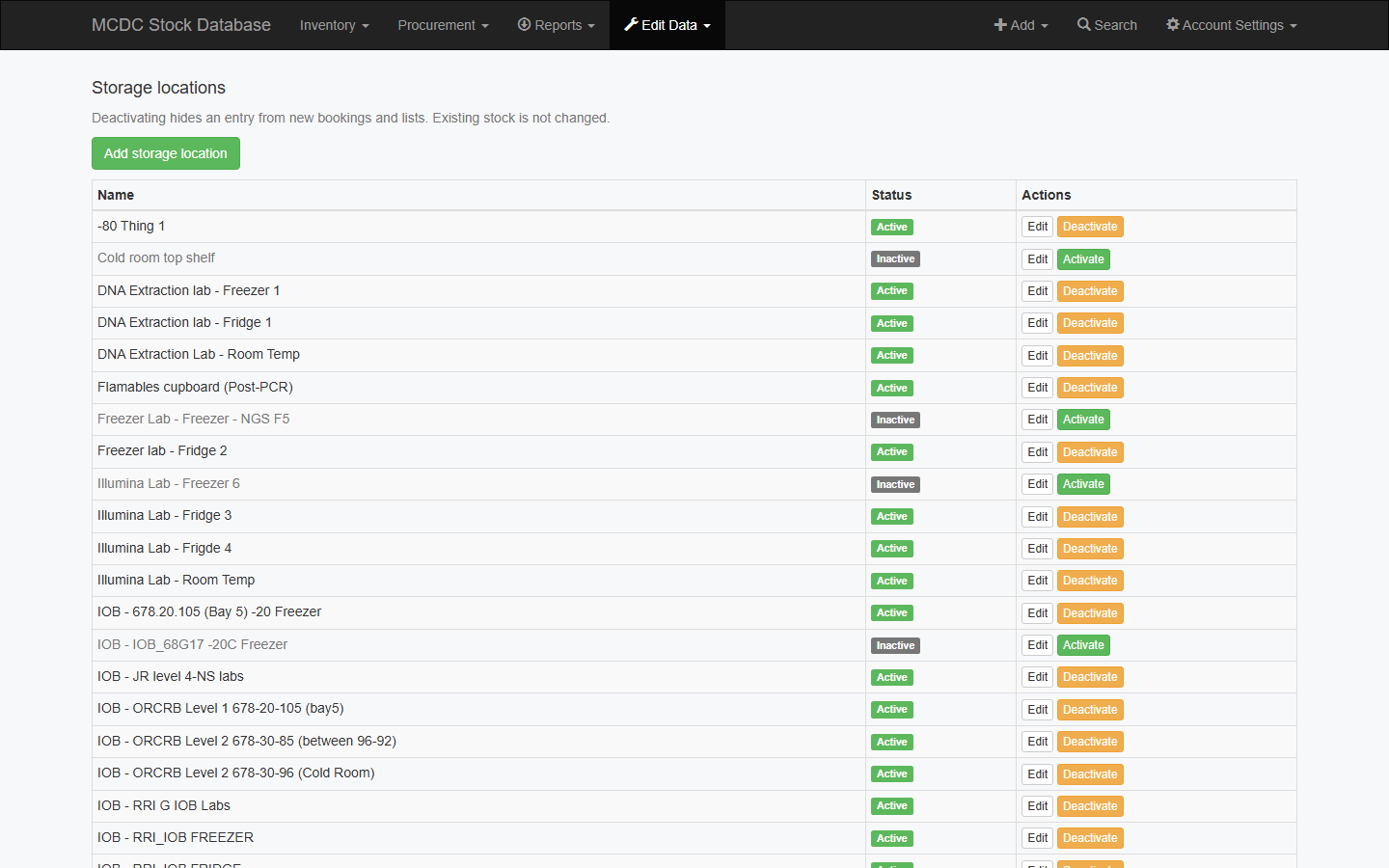
Edit Data → Supplier, Project, Process, Experiment, Internal consumer, External consumer, Storage location.
Each screen lists current entries. Use Edit or Activate / Deactivate on a row, or Add on that same page. Deactivate rather than delete when history exists.
Recipes and solutions
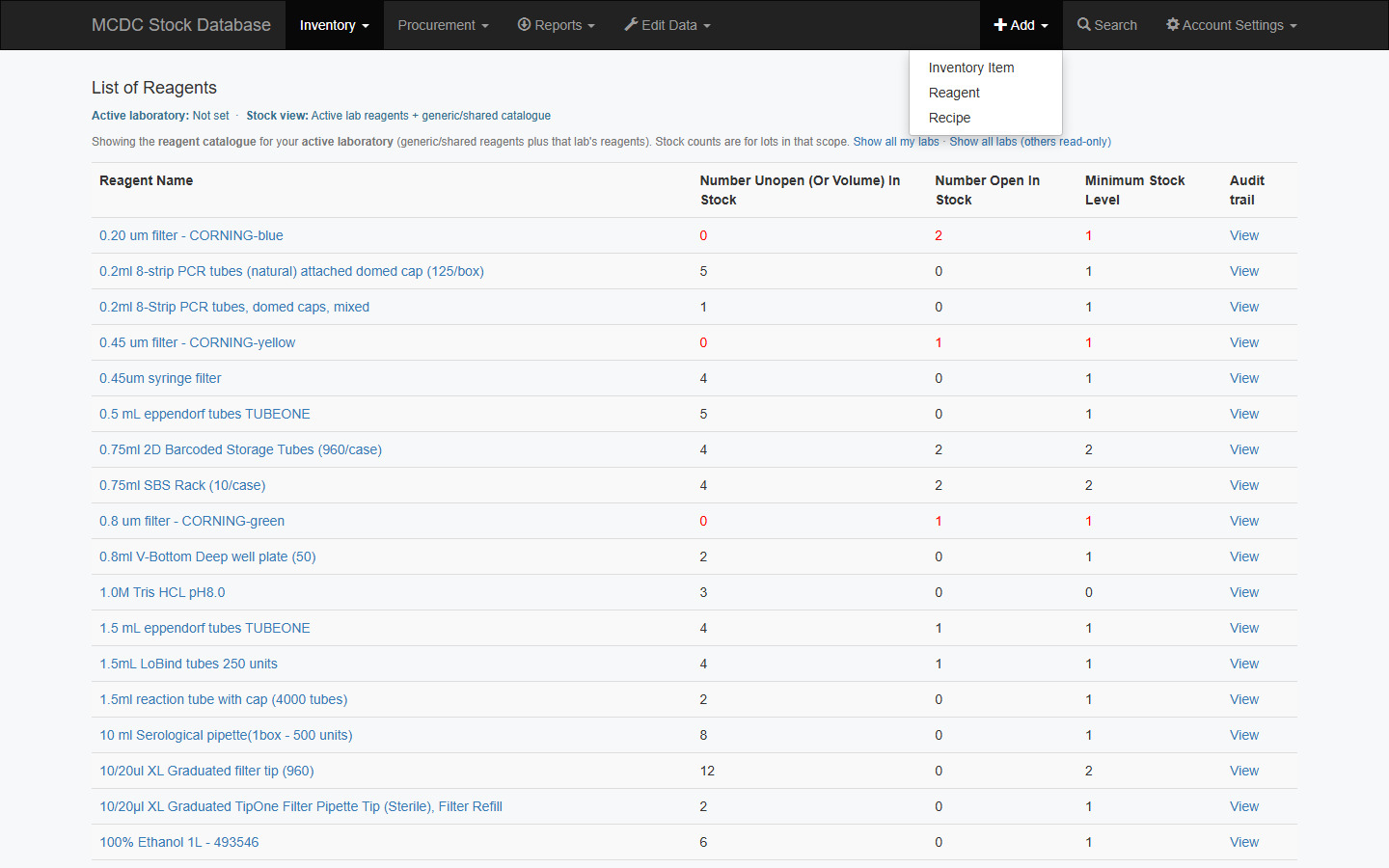
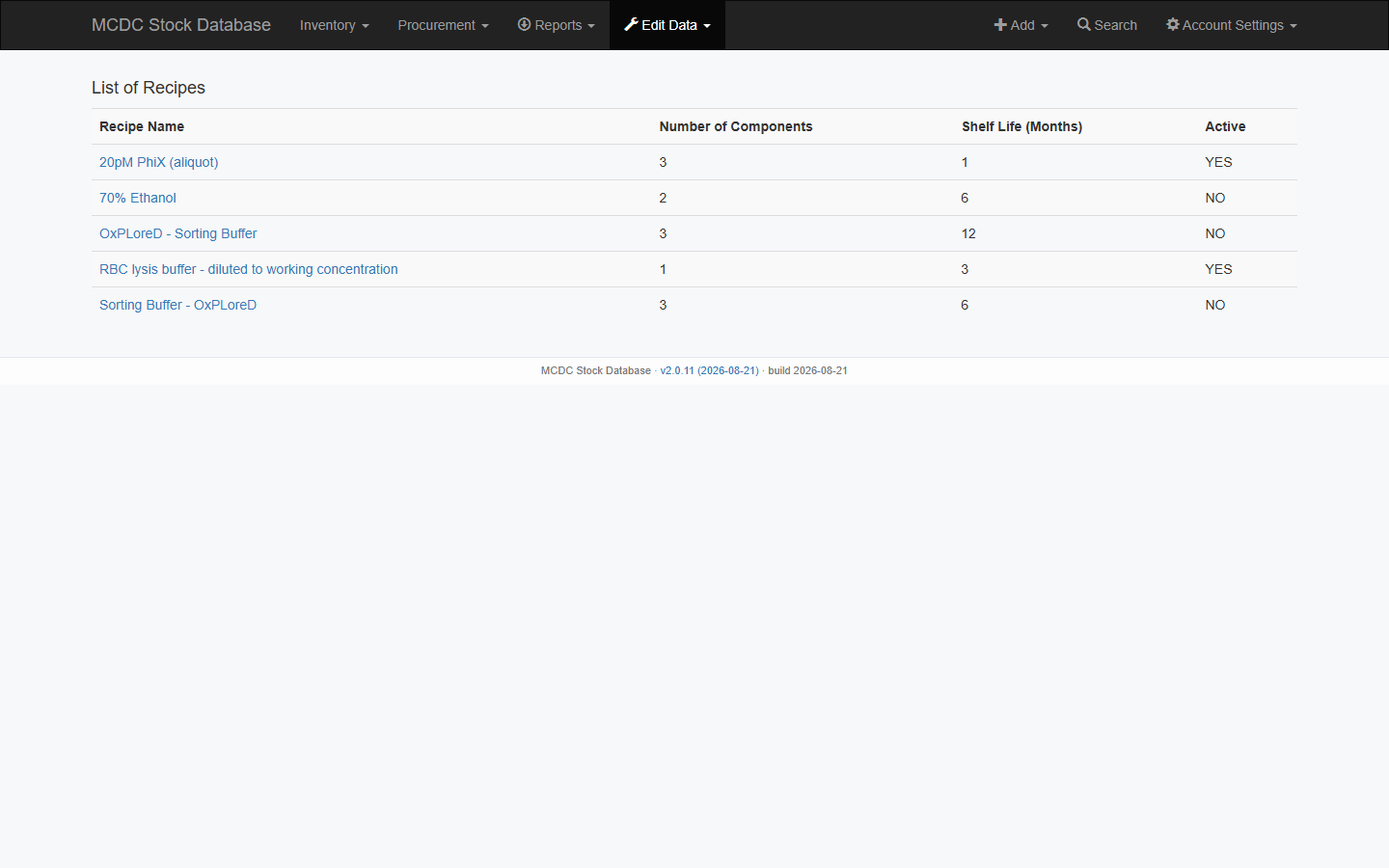
- Edit Data → Recipes (admins) or Inventory → Recipes (lab users). Add → Recipe asks for the date made, a witness (another user), each ingredient barcode, the volume used, and the total volume of that unit.
- Create a solution from a recipe — date made, witness (another user), component barcodes, volume used and the total volume of each unit → new inventory item (lot number defaults to the barcode).
Continuity and maintenance
| Action | Where |
|---|---|
| System mode (normal / degraded / read_only / downtime) | Edit Data → System Mode / Continuity |
| Banner text shown to all users | Same form |
| Prime empty DB | /stock/prime/ then change the default admin password |
| Rebuild volume counters | /stock/vol_migrate/ from this server, or with X-Cron-Token, after controlled imports only |
Users and roles
Edit Data → Edit users (superusers only) opens Django admin at /stock/admin/auth/user/ for accounts, groups, staff flags, and active status. Laboratory memberships (Laboratories in the same admin) still control active lab and stock view.
- Saving a user or using Reset password creates missing ForceReset / login-security rows if they do not exist yet.
- Admin Reset password emails the temporary password even if Emailed is already ticked.
- The user must change that password before they can use the rest of the app.
Reports → Role review export is the spreadsheet of roles for periodic review. Do not export or screenshot live user lists into uncontrolled documents — they contain names and email addresses.