Day-to-day how-tos for MCDC Stock Database
These guides match the menus and screens in the running app (v2.0.11). Screenshots were taken from the live site on 21 August 2026.
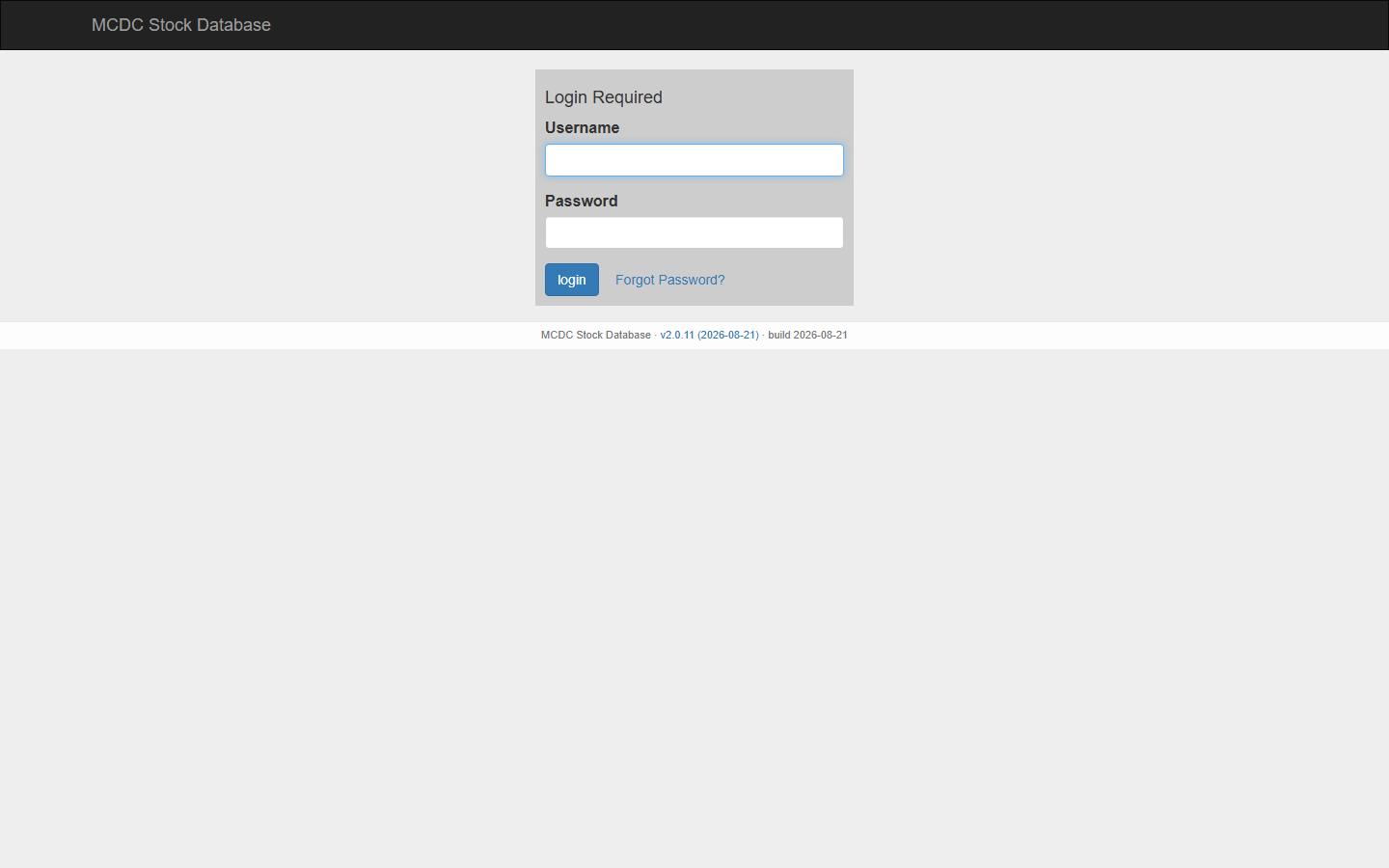
Menus (current app)
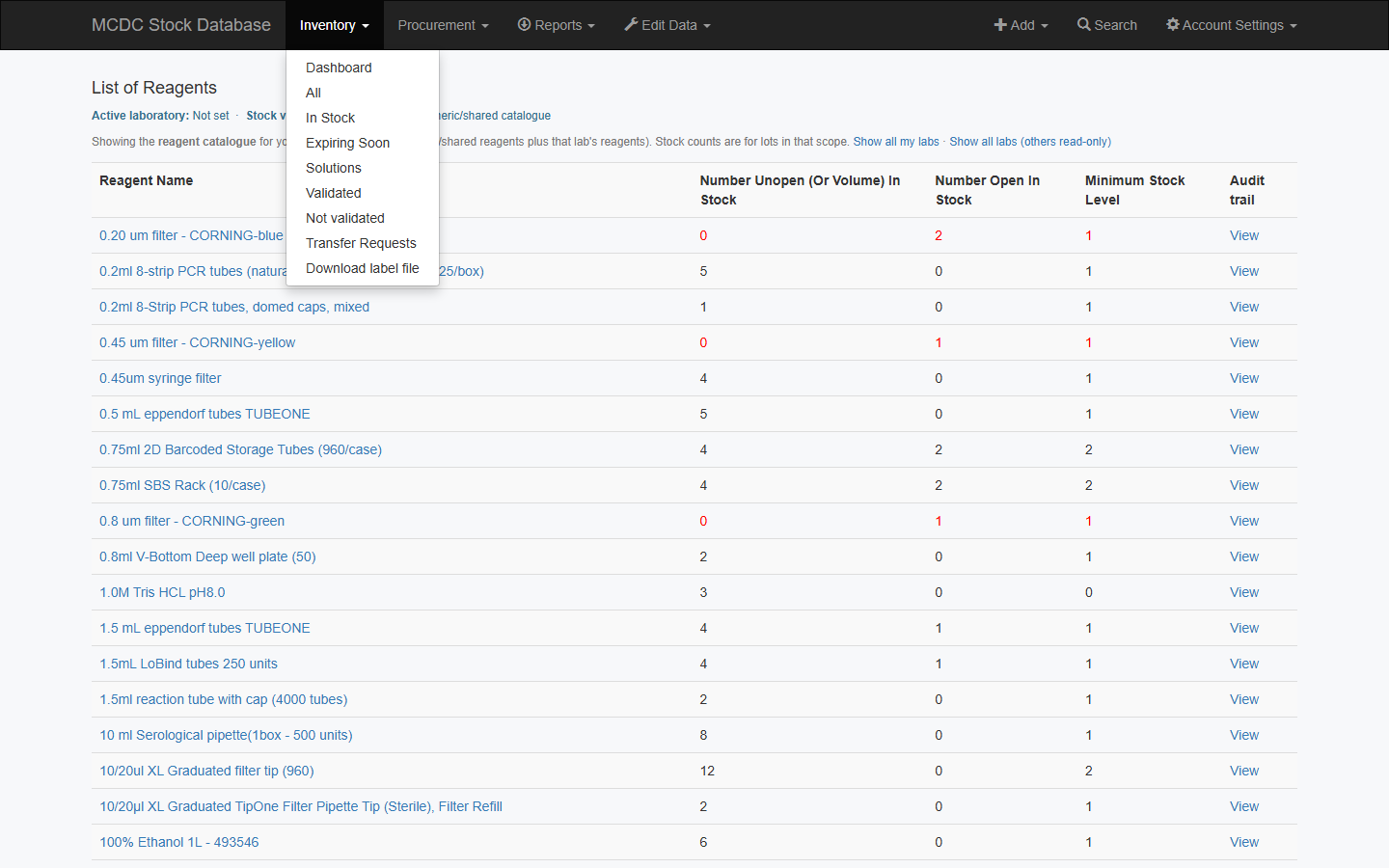
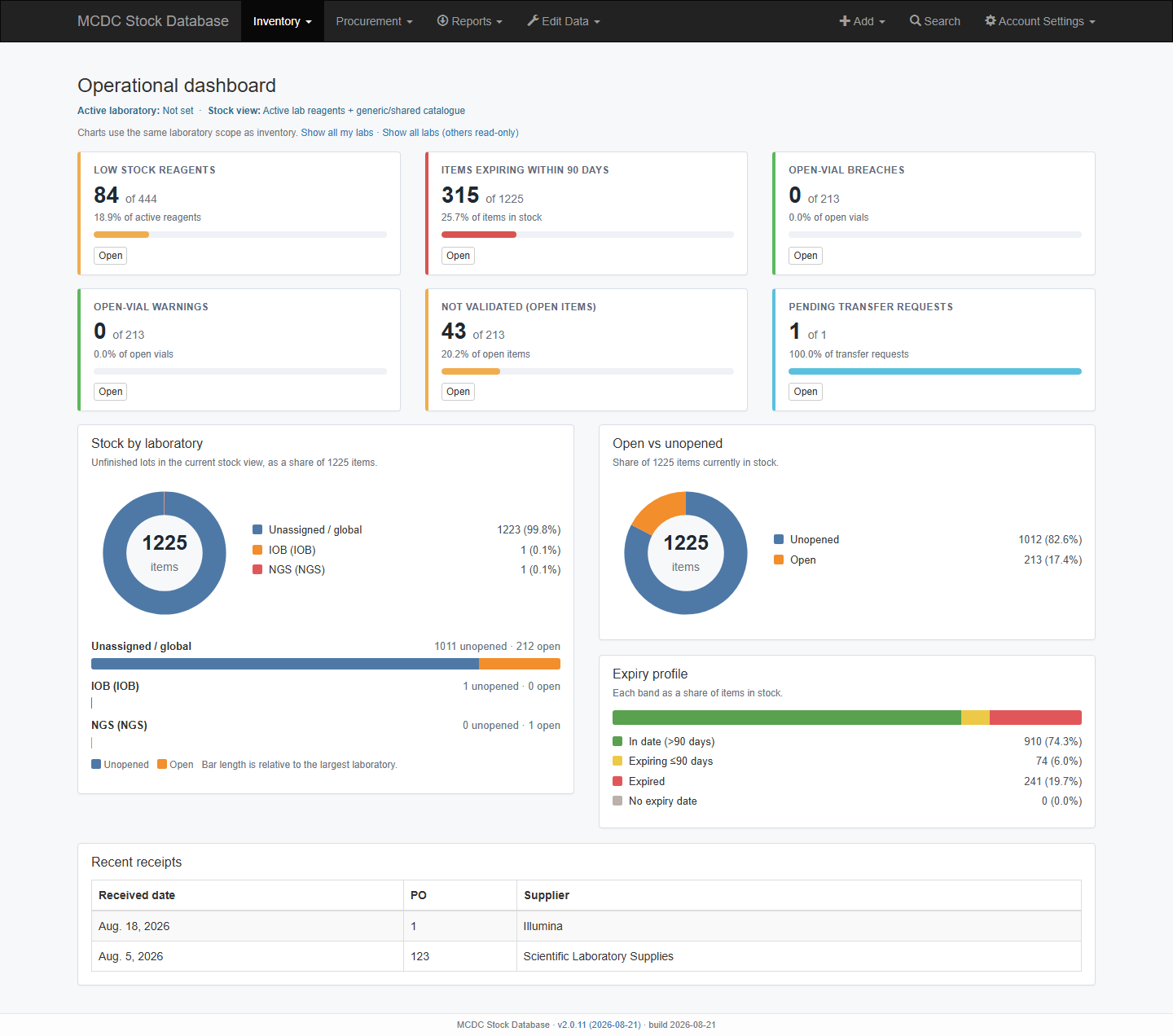
After login the dark toolbar is the same on every page. Left: Inventory, Procurement, Reports, and (admins) Edit Data. Right: Add (admins) or New Inventory Item (lab users), Search, Account Settings.
Terms
| Term | Meaning |
|---|---|
| Reagent | Catalogue / master record (name, catalogue #, defaults, iPassport, home lab) |
| Inventory item / lot | One physical unit with its own barcode |
| Barcode | Lots migrated from NGS or IOB keep their old codes (NGS-J1G2, IOB-J1G2). Search also matches the short code (J1G2). New lots get a random 4-character code. Look-alike characters (0/O and 1/I/L) are not used, and the code does not have to start with J |
| Active lab | Laboratory selected under Account Settings. Mutations (open / use / finish / adjust) only apply to lots in that lab |
| Lab-only / Shared / Global | Lot visibility and whether a transfer is required |
| Actor vs consumer | Actor is who recorded the action; consumer is who benefited (internal or external) |
Who starts where
Lab userBook-in, open, use, finish, search, labels
Protocol / FEFOOldest-lot-first and pick sessions
QualityValidation states and audit trails
BuyerProcurement tracker and suppliers
AdminMaster data, users, system mode
Protocol picking, stocktake, barcode scan, and some older report URLs still work if you know the address, but they are not on the main menu.