Reports, alerts, exports
Dashboard for daily counts; Reports menu for PDF/Excel/CSV; scheduled email digests.
Application name → Dashboard ──► action lists (order / finish / validate / transfer)

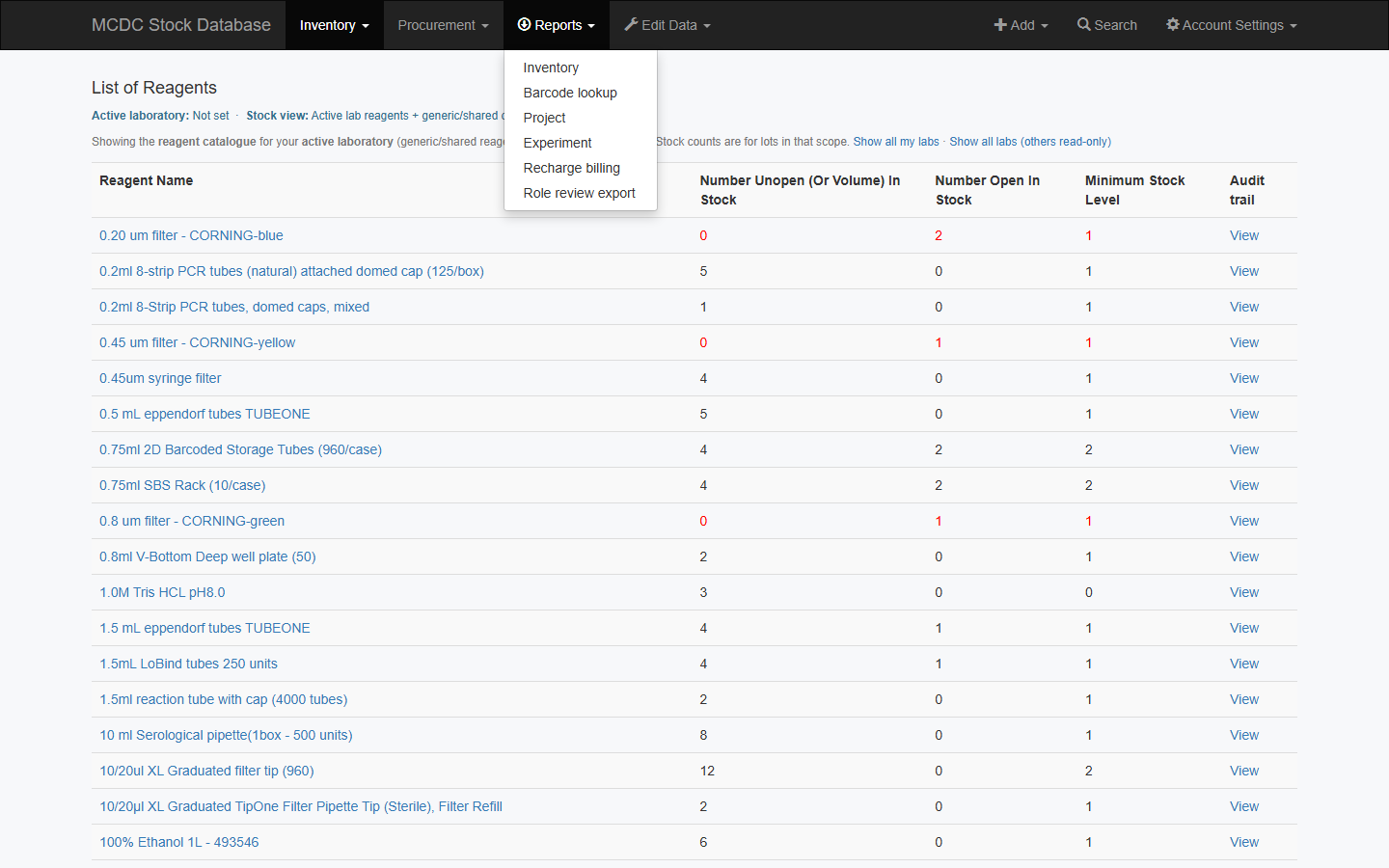
Reports ──► Inventory / Barcode lookup / Project / Experiment / Recharge billing

Reports → Barcode lookup ──► Download table (PDF / Excel / CSV)
                          └── Reagent Usage Log (PDF)
Dashboard and lists
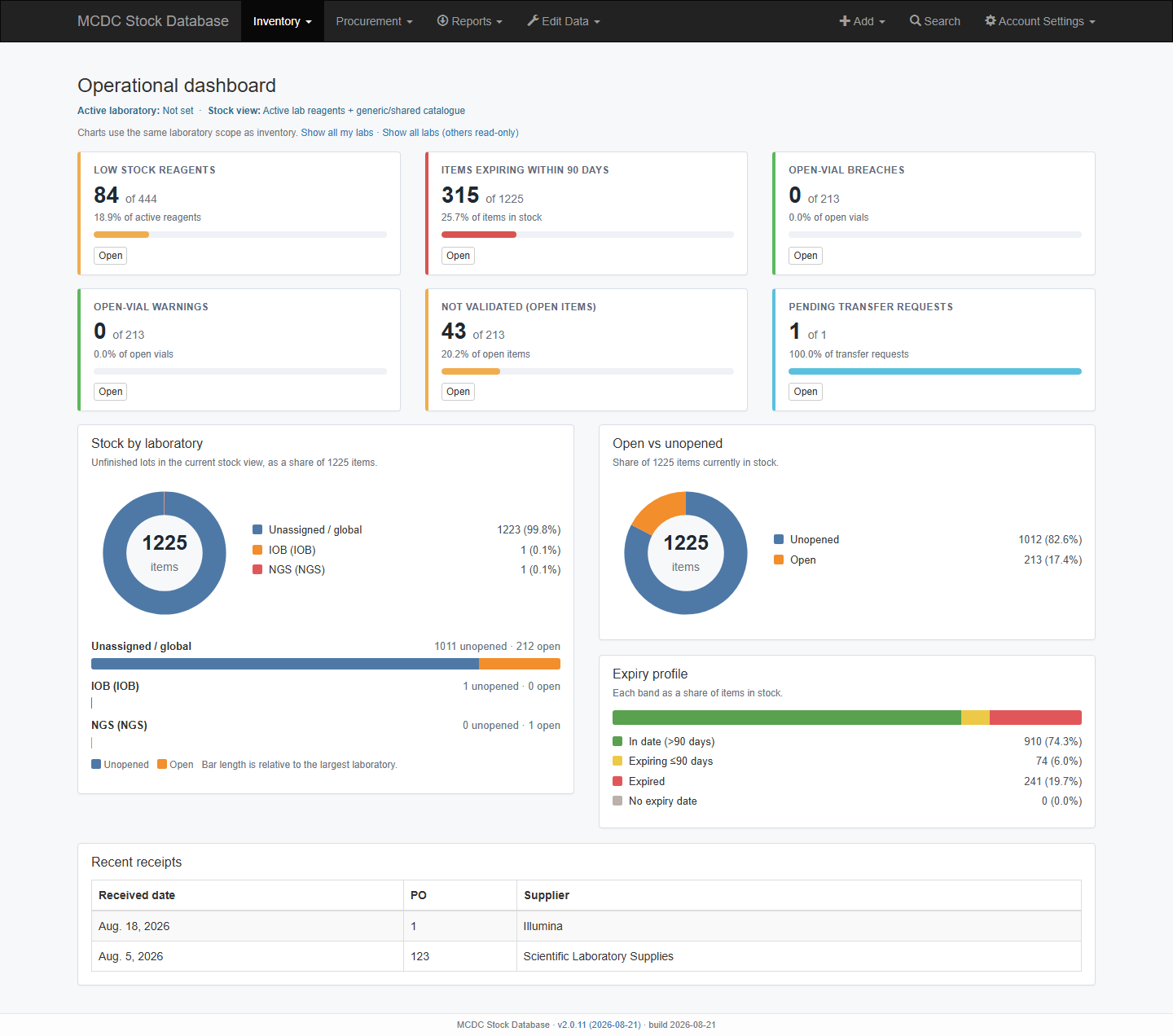
The application name opens the dashboard — cards for low stock, expiring ≤90 days, open-vial warn/breach, not validated open, and pending transfers, each as a count against its total. Charts: stock per laboratory, open vs unopened, expiry profile, recent receipts.
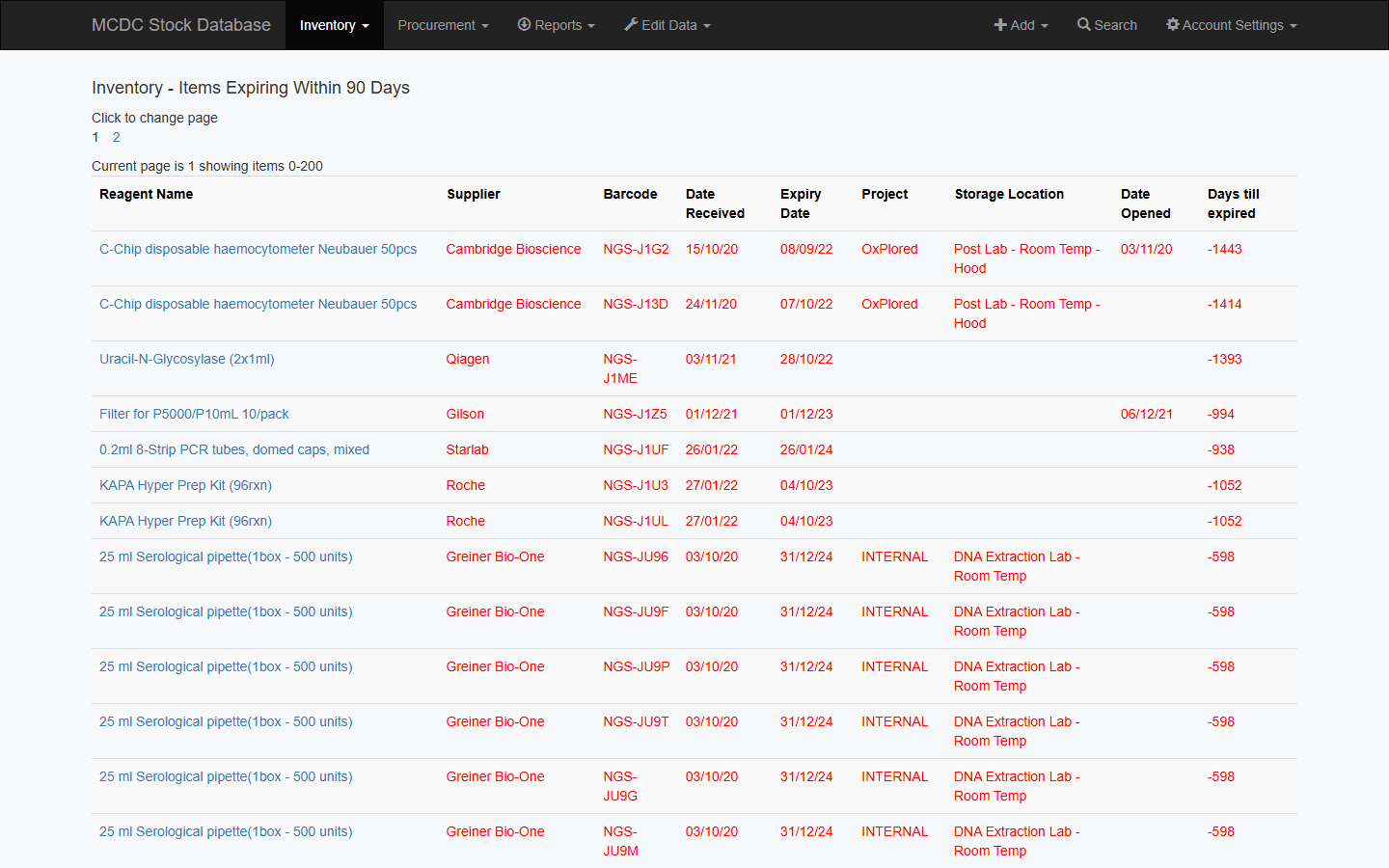
Also use the Inventory lists: Expiring Soon, Not validated, All, In Stock. Analytics at /stock/reports/analytics/ redirects here.
Digests (schedule once/day)
Call these from the server itself, or send header X-Cron-Token matching CRON_TOKEN. Other callers are refused.
| URL | Content |
|---|---|
/stock/low_emails/ | Low stock + expiry |
/stock/open_vial_emails/ | Open-vial |
/stock/transfer_pending_emails/ | Pending transfers |
Standard exports
| Menu | Output |
|---|---|
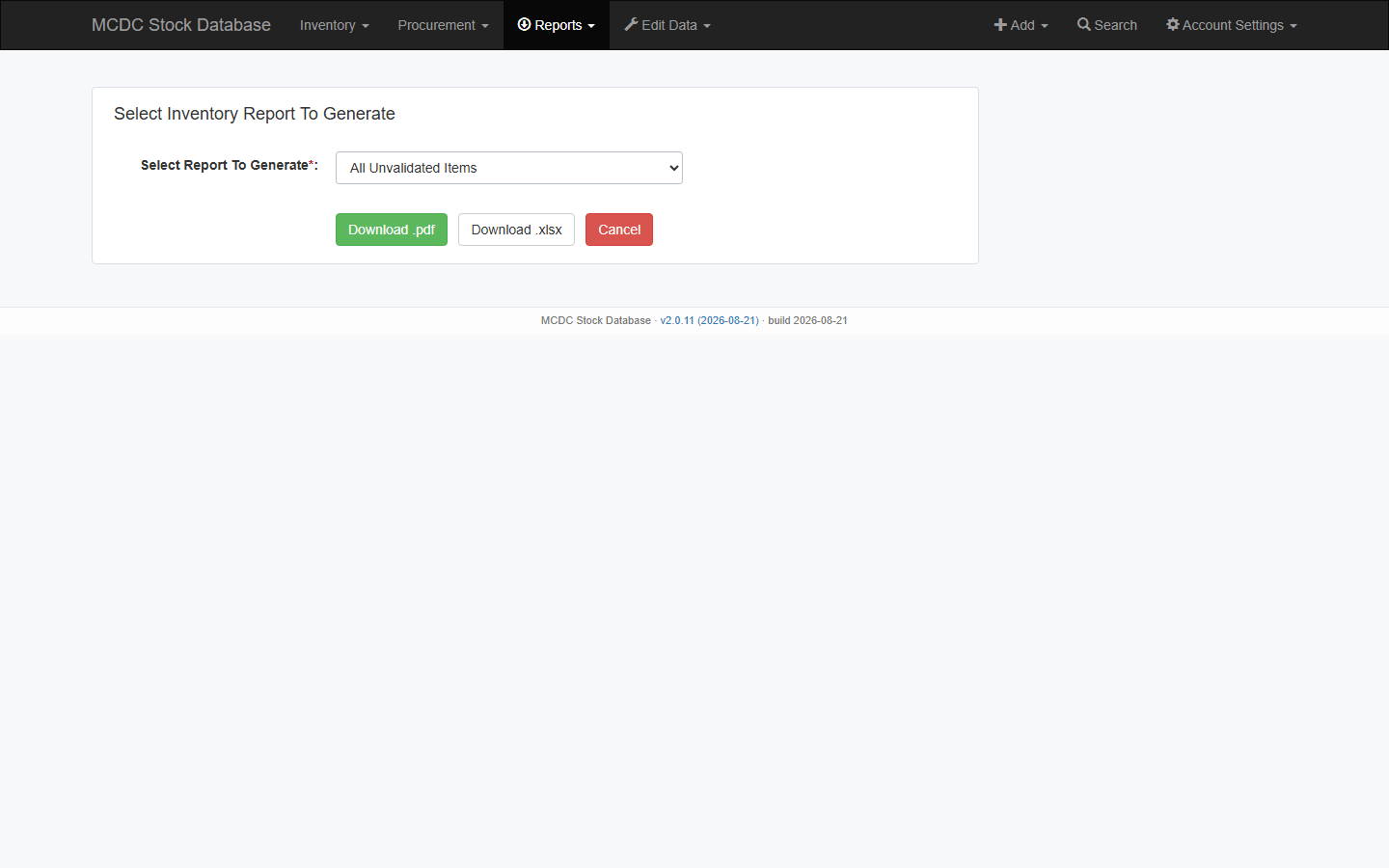
| Reports → Inventory | Validation, expiry, locations, all in-stock, below-minimum, transfers, FEFO, procurement-linked (PDF/XLSX; catalogue # on item rows) |
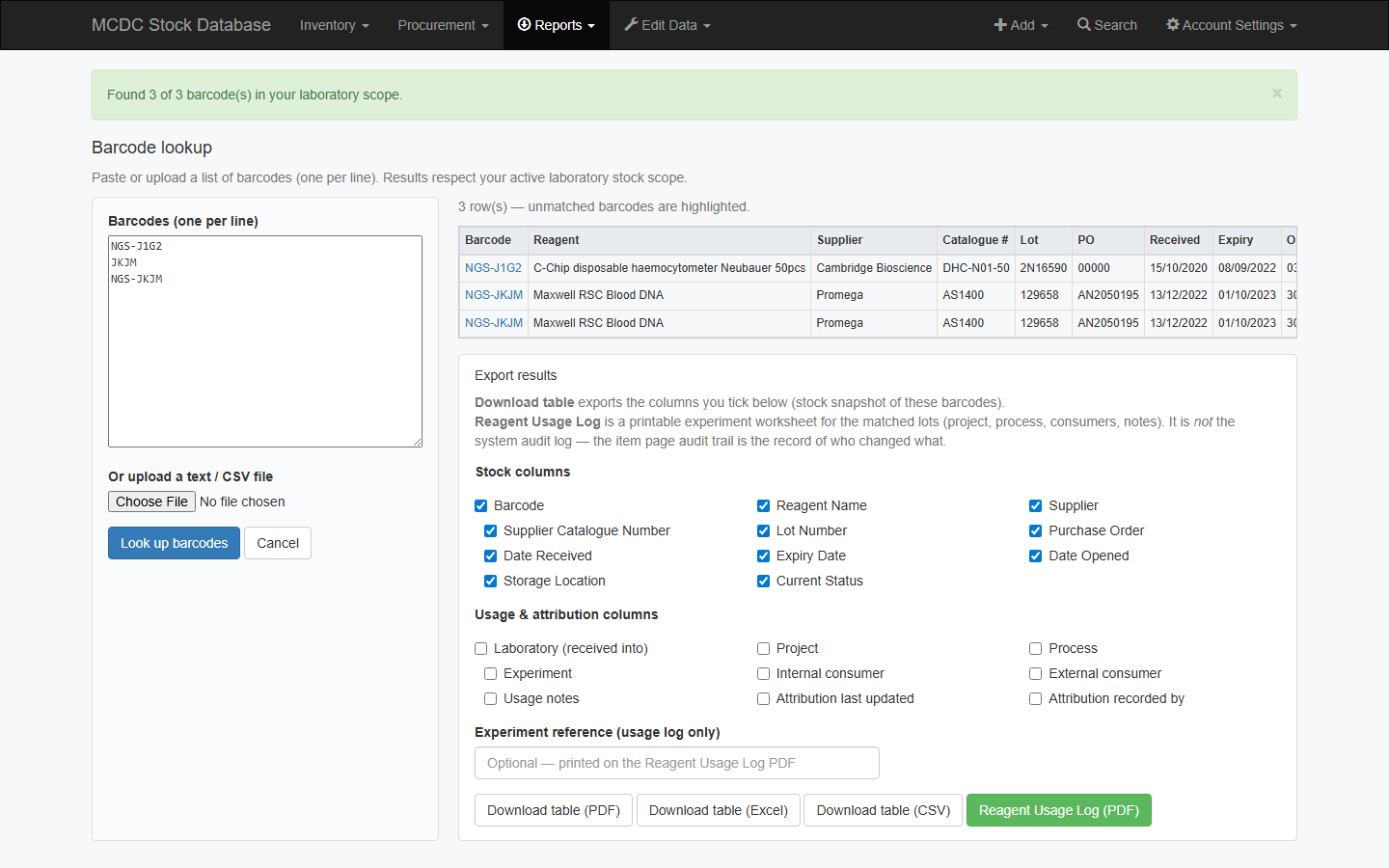
| Reports → Barcode lookup | Stock snapshot + optional usage columns; table PDF/Excel/CSV or Reagent Usage Log PDF |
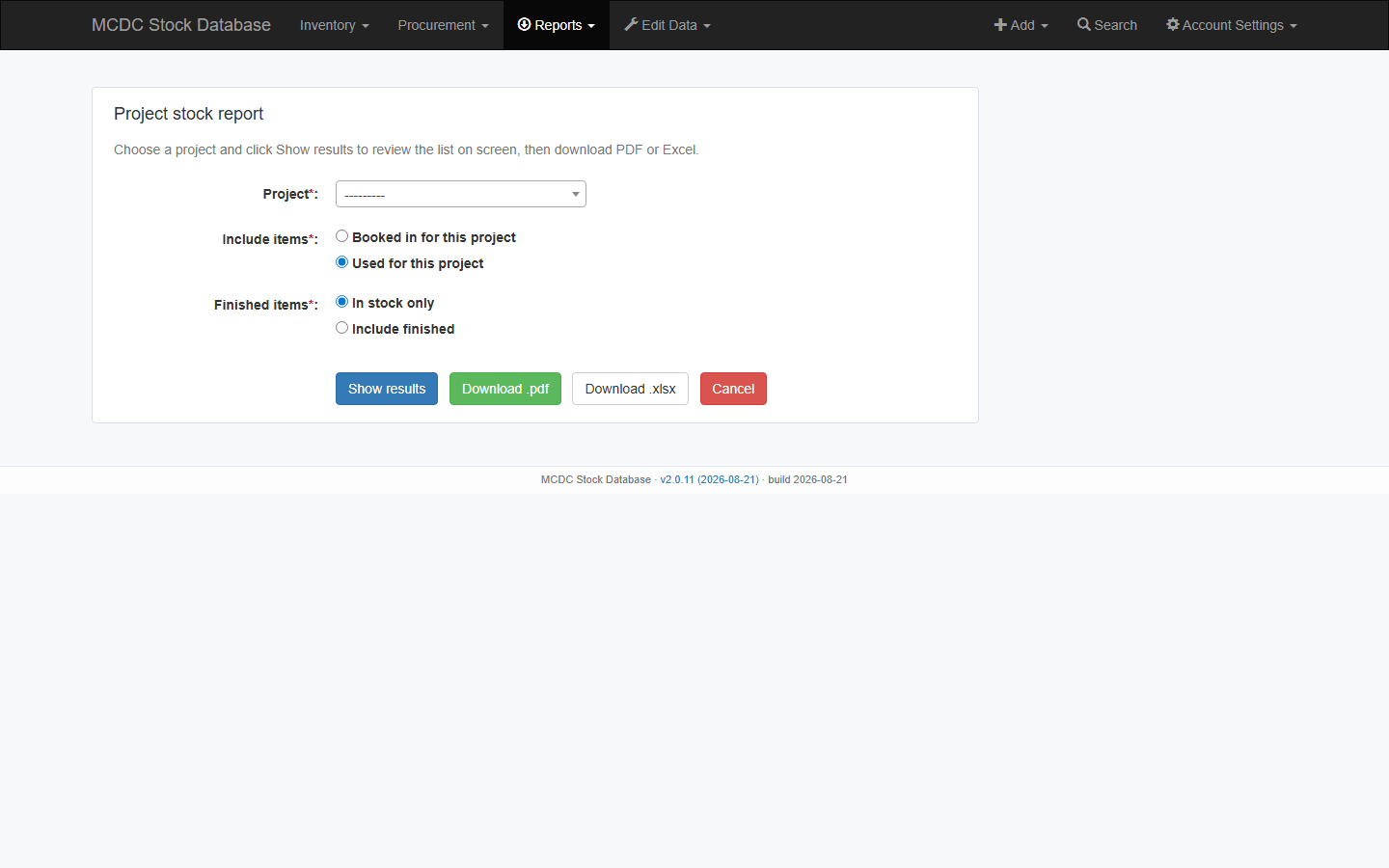
| Reports → Project | On-screen list, then PDF or XLSX (booked-in or used; finished optional) |
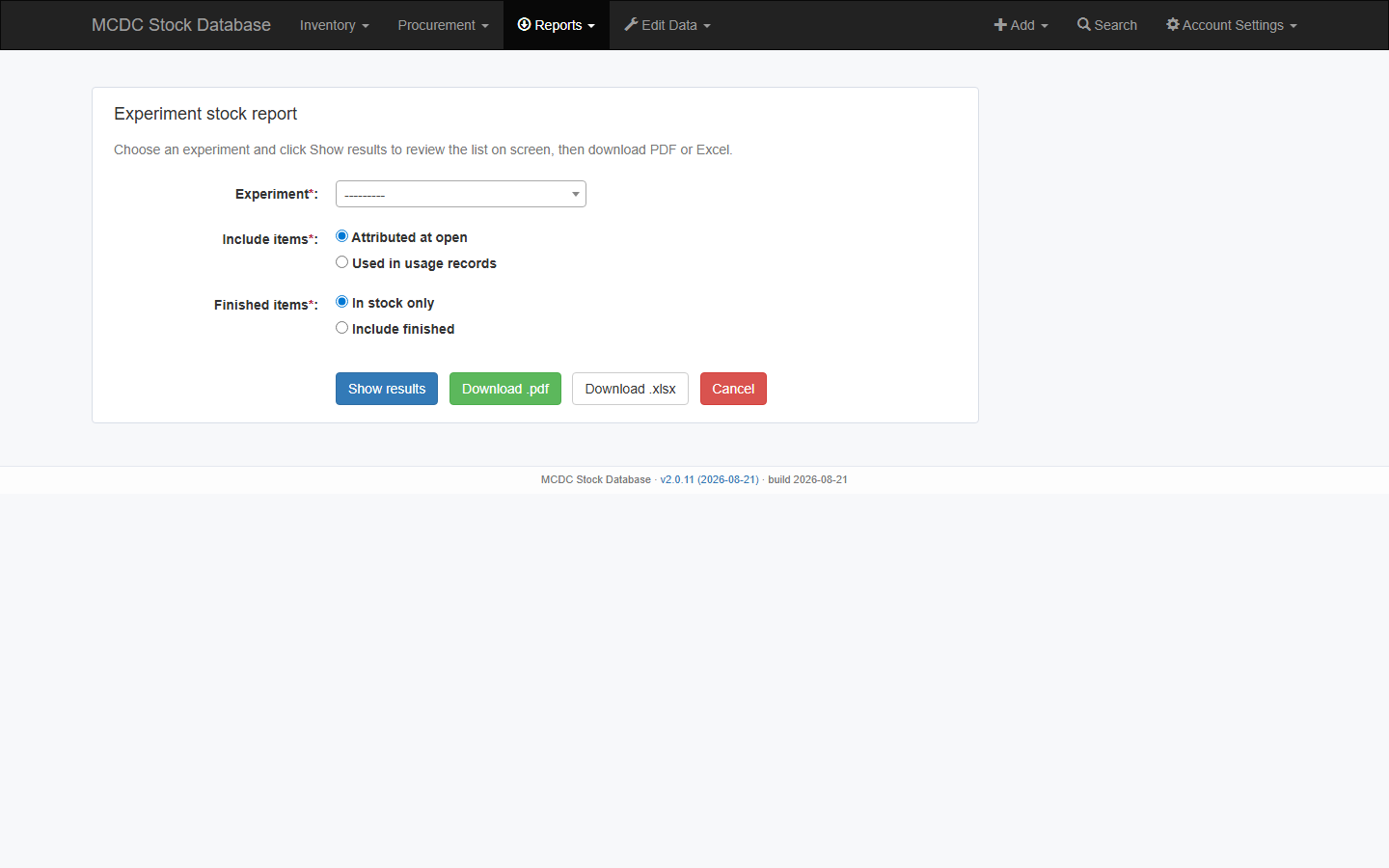
| Reports → Experiment | On-screen list, then PDF or XLSX (attributed at open or used; finished optional) |
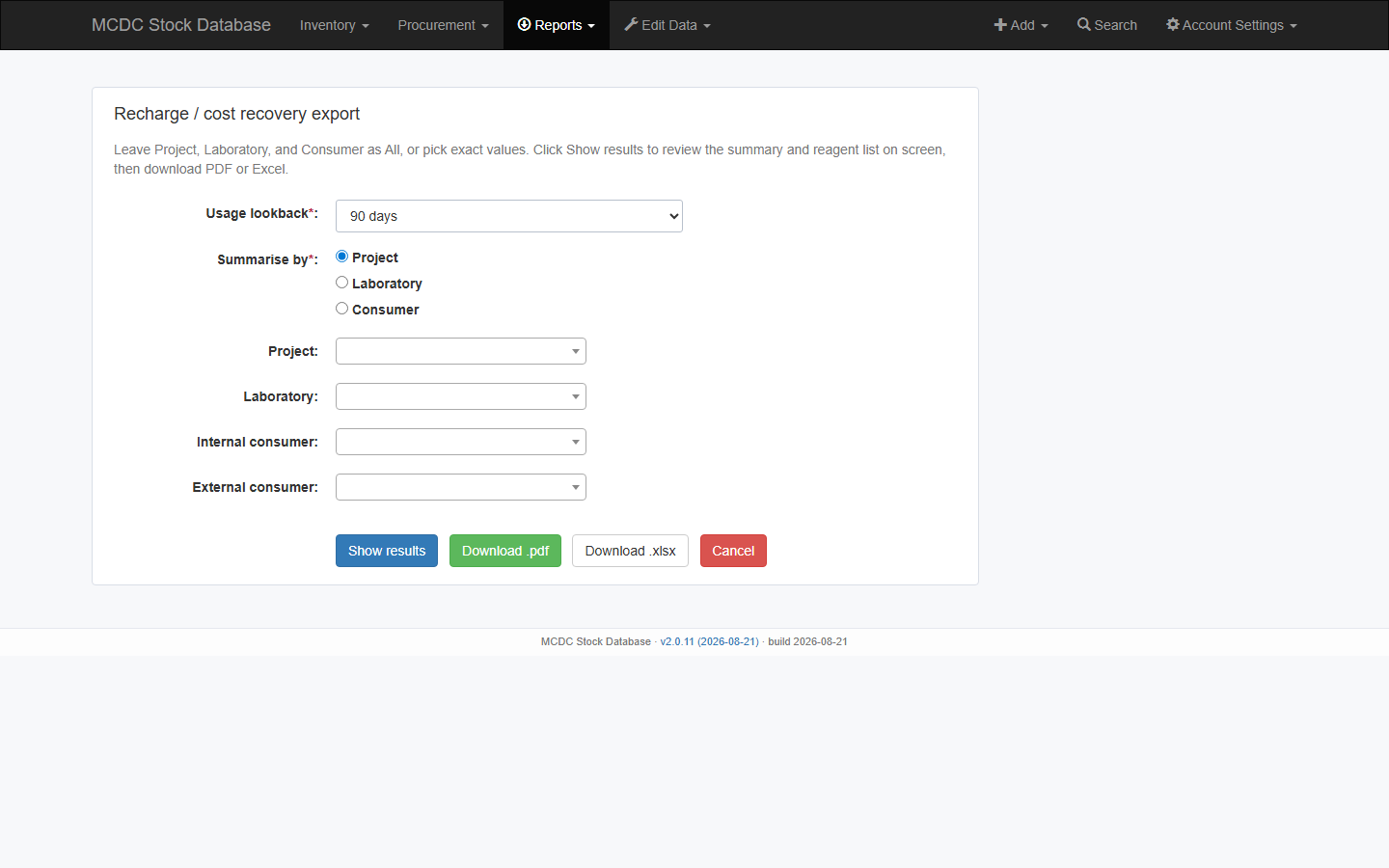
| Reports → Recharge billing | On-screen summary and reagent list, then PDF or XLSX |
| Procurement → Reorder forecast / Supplier performance | XLSX |
| Procurement → Tracker | CSV (see 07) |
Barcode lookup
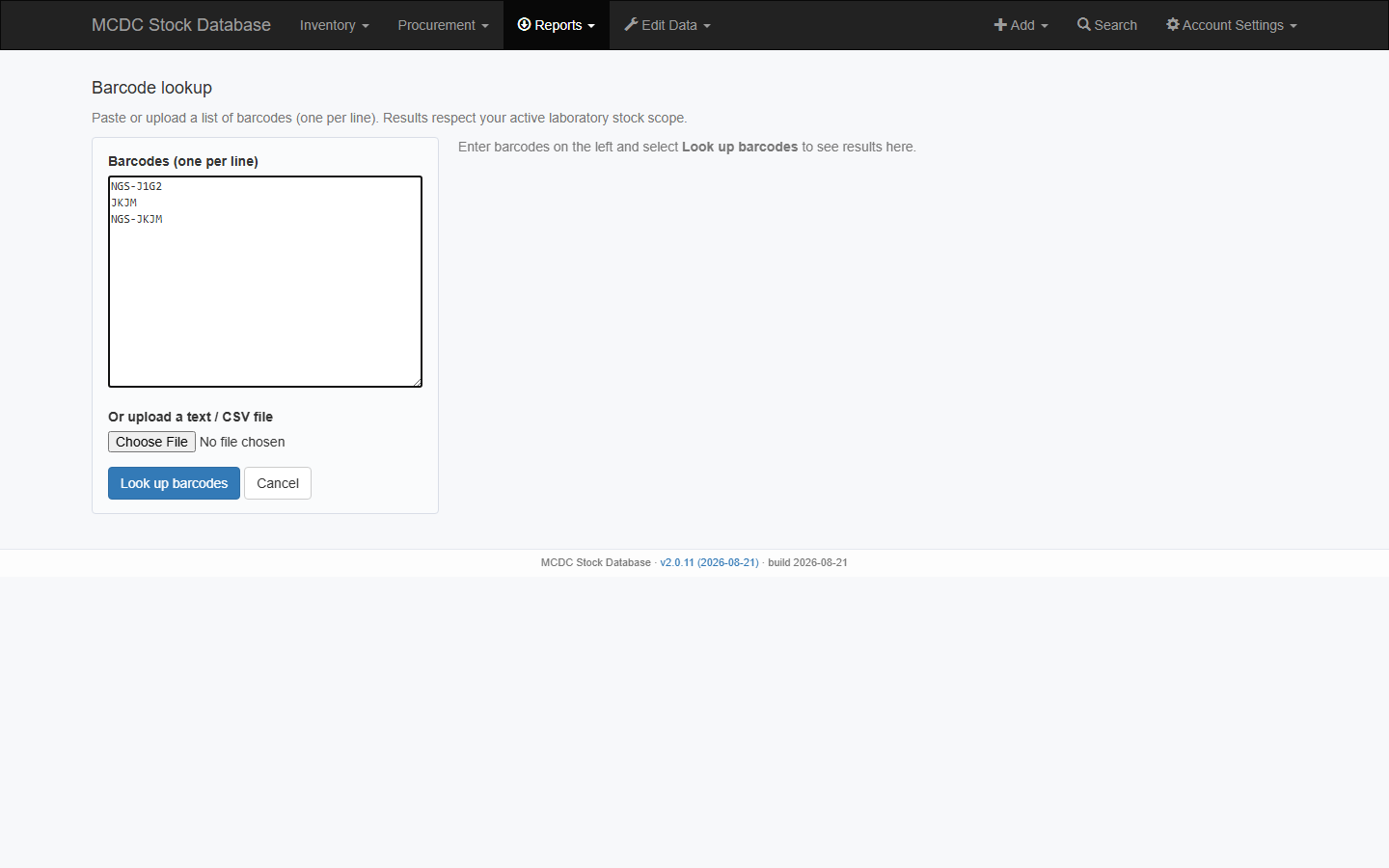
Reports → Barcode lookup — paste barcodes or upload a list (active lab scope). Unmatched codes are highlighted. Short codes and labelled codes both match (J1G2, NGS-J1G2, and IOB-J1G2).
The results table includes current stock columns. Tick extra Usage & attribution columns if you need laboratory, project, process, experiment, consumers, notes, last updated, recorded by. The item page still has the full usage history (open → uses → finish).
- Download table (PDF / Excel / CSV) — snapshot of looked-up barcodes, only the columns you tick.
- Reagent Usage Log (PDF) — printable experiment worksheet for matched lots (optional experiment reference). It is not the system audit log.
Search (top right) finds a single barcode plus reagent, catalogue #, supplier, lot, and PO. See Stock lifecycle.